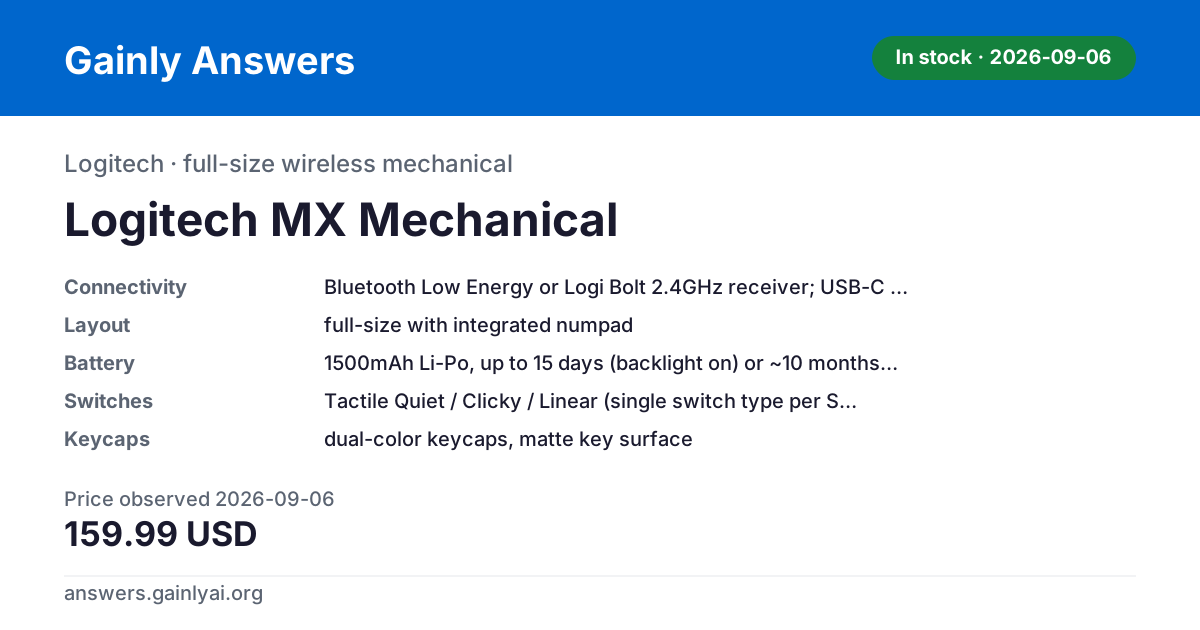
The Logitech MX Mechanical at $159.99 (logitech.com, 2026-09-06, in stock) goes longest between charges by a wide margin: up to 15 days with its backlight on and roughly 10 months with it off, from a modest 1500mAh cell, because it drives a single white LED with a proximity sensor rather than RGB. Across this set the answer ranges from every few days to nearly a year, and battery capacity alone doesn't predict which — backlight use is the bigger lever. The runner-up is the Keychron Q1 Pro ($167.99, keychron.com, 2026-09-06, out of stock there on that date): 4000mAh buys up to 300h (about 12.5 days) backlight off and 100h (about 4 days) at RGB's lowest brightness — the best endurance among the RGB, hot-swappable boards here. The Keychron K3 Pro ($67.99, keychron.com, unchanged across both checks, in stock on both) needs charging most often: its 1550mAh cell is the smallest in this set, rated for only about 100h off and about 50h at RGB's lowest. Caveats: Logitech quotes days and months of typical use where Keychron and NuPhy quote continuous bench hours, so these headline figures are not the same measurement; no runtime here was measured by us; every figure is a manufacturer specification read on the date given; and prices and stock change without notice.
The limits first: none of these runtimes was measured by us — they are vendor ratings at stated settings — and Logitech's are quoted in days and months of typical use where the others are continuous hours. Rated capacity doesn't line up neatly with runtime. The K3 Pro's 1550mAh cell is rated for roughly 100 hours with the backlight off and roughly 50 hours at RGB's lowest brightness. The Q1 Pro carries 4000mAh — more than twice the K3 Pro's capacity — and is rated for up to 300 hours off and 100 hours at RGB's lowest, a proportionally bigger gain than the raw mAh difference alone would suggest. The NuPhy Air75 V2, also 4000mAh, is rated by NuPhy's own lab testing at 35-57 hours with all lights running and up to 220 hours with lights off. The MX Mechanical breaks the pattern entirely: 1500mAh, close to the K3 Pro's smallest-in-class cell, but rated up to 15 days with the backlight on and about 10 months with it off — because its single white LED with a hand-proximity sensor and ambient-light auto-adjust draws far less than any of the RGB backlights on the other three boards.
The consistent pattern within a single board is that turning the backlight up costs runtime, sharply. On the K3 Pro, going from backlight-off to RGB-at-lowest roughly halves the rated hours (100h to 50h). On the Q1 Pro, the same switch cuts rated hours to a third (300h to 100h). None of these figures should be read as a days-of-typical-use number — they are vendor bench ratings at specific settings (lights fully off, or RGB at its lowest brightness), not a model of how anyone actually types, and this corpus has no independent measurement to convert them with.
On value, the Q1 Pro's $167.99 (keychron.com, 2026-09-06) buys the longest RGB-hot-swap runtime here, but that price is for the barebone variant — no switches, no keycaps included, so the board can't be typed on until you add both. The MX Mechanical's $159.99 (logitech.com, 2026-09-06) buys the best charging-frequency number in the set outright, but no RGB and no hot-swap: one switch type is fixed to the SKU. A board also worth naming here for contrast, the Royal Kludge RK84, rates about 200 hours from its 3750mAh cell — but that figure is specifically 2.4GHz mode with the backlight off, not mixed use, and it takes 6-7 hours to fully recharge, both details worth knowing before comparing it against the boards above.
This isn't the right comparison for someone chasing maximum RGB brightness and long stretches without a cable at the same time — every board here trades one against the other, and the K3 Pro trades hardest: its 1550mAh cell is the smallest in the catalog, so it's the one you'll be plugging in most often regardless of lighting settings. Stock moved between the checks: all five were in stock on 2026-08-26, but at the 2026-09-06 re-check only the K3 Pro (keychron.com), the MX Mechanical (logitech.com) and the RK84 (rkgamingstore.com) still were — the Q1 Pro at keychron.com and the Air75 V2 at nuphy.com.au were not.
| Spec | Logitech MX Mechanical | Keychron Q1 Pro | Keychron K3 Pro | NuPhy Air75 V2 | Royal Kludge RK84 |
|---|---|---|---|---|---|
| layout | full-size with integrated numpad | 75%, full metal, gasket mount | 75% low-profile (84-key) | 75% ANSI, 84-key | 84-key, 75% compact layout |
| switches | Tactile Quiet / Clicky / Linear (single switch type per SKU) | Gateron low-profile mechanical KS-33 (Red/Brown/Blue 2.0, Aloe, Cowberry, Wisteria, Moss) | |||
| connectivity | Bluetooth Low Energy or Logi Bolt 2.4GHz receiver; USB-C for charging only | Bluetooth 5.1, up to 3 devices + USB-C wired | Bluetooth 5.1, up to 3 devices + USB-C wired | 2.4GHz / Bluetooth 5.1 / wired USB-C | tri-mode: Bluetooth 5.0, 2.4GHz wireless, USB-C wired |
| keycaps | dual-color keycaps, matte key surface | KSA double-shot PBT, not shine-through, on Fully Assembled version; Barebone variant priced ships without keycaps | Low-profile double-shot PBT | double-shot PBT, low-profile | ABS double-shot |
| battery | 1500mAh Li-Po, up to 15 days (backlight on) or ~10 months (backlight off) | 4000mAh li-polymer; up to 300h backlight off, 100h RGB (lowest brightness) | 1550mAh li-polymer; ~100h backlight off, ~50h RGB (lowest brightness) | 4000mAh; 35-57h all lights on, up to 220h lights off (NuPhy lab test) | 3750mAh; rated ~200hr in 2.4GHz mode with backlight OFF (not typical mixed use), 6-7hr full charge |
| backlight | white LED, hand-proximity sensor and ambient-light auto-adjust | South-facing RGB LED | White backlight (this variant); RGB variant also offered | RGB, 40 modes plus dual side light bars | RGB, 21 onboard lighting modes, 5 brightness levels (official spec; Tom's Hardware counted 19 modes on its review unit) |
| os_support | Windows, macOS, iOS, iPadOS, Linux, ChromeOS, Android | macOS/Windows/Linux | macOS/Windows/Linux | Windows, macOS, Linux, Android, iOS | Windows XP/2000/7/8/10, macOS, iOS, Android |
| wireless_range | up to 33 ft (10 m) | ||||
| weight | 828g (29.21 oz) | 598g (1.31 lb) | 803.5g (1.77lb) per Tom's Hardware; official RK spec table lists 0.79kg | ||
| warranty | 1-year limited hardware warranty | ||||
| switch_type | Keychron K Pro mechanical on Fully Assembled version; Barebone variant priced ships without switches | Gateron low-profile mechanical Red (this variant); Blue/Brown also offered | |||
| hot_swap | yes (3-pin & 5-pin MX compatible: Gateron, Cherry MX, Kailh, etc.) | no (this White Backlight variant); RGB Backlight Hot-Swappable version sold separately | yes, 3-pin low-profile socket | yes | |
| firmware | QMK/VIA | QMK/VIA | |||
| mount_type | Gasket mount | Tray mount | removable frame, tray-style case | ||
| case_material | Full CNC machined aluminum | ABS + aluminum frame | |||
| polling_rate | 1000Hz wired / 90Hz wireless | 1000Hz wired / 90Hz wireless | 1000Hz (2.4GHz and wired), 125Hz (Bluetooth) | ||
| variant_priced | Barebone Knob / Carbon Black / Barebone (no switches or keycaps included) | Black / White Backlight / Red | |||
| switchOptions | RK Blue, RK Brown, RK Red (hot-swappable) | ||||
| dimensions | 315 x 125 x 39mm per official RK spec table (Tom's Hardware lists 315 x 125 x 40mm) | ||||
| software | RK DIY software (onboard macro/lighting customization) |
Last updated: 2026-09-10
Prices last checked 2026-09-06
Affiliate links: we may earn a commission at no extra cost to you. How we make money.